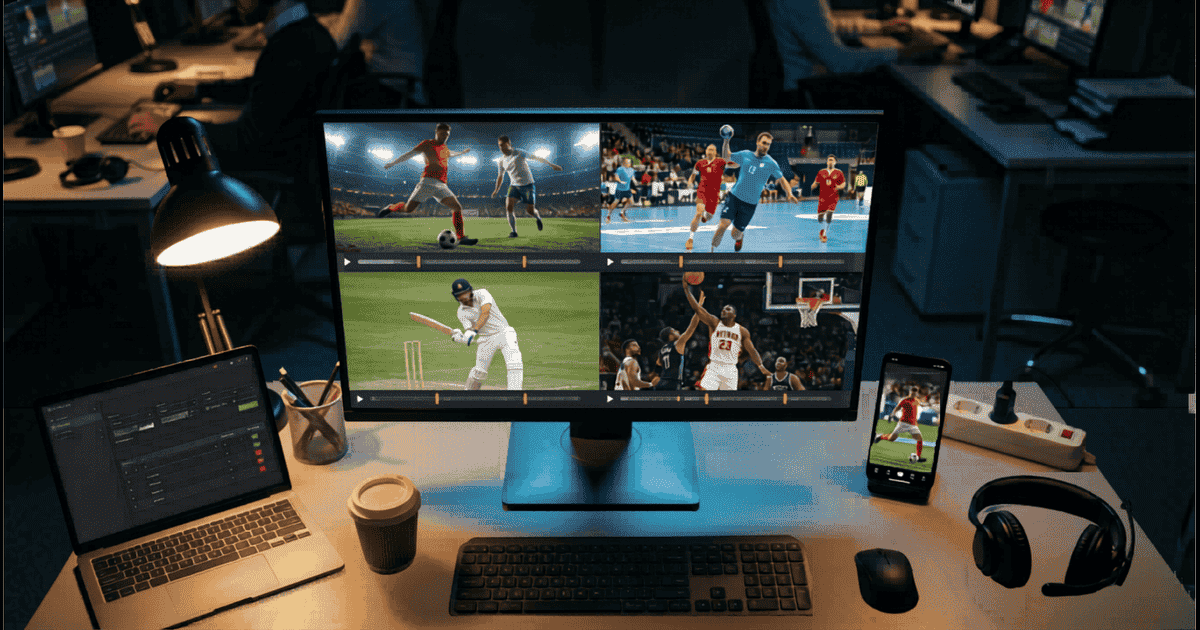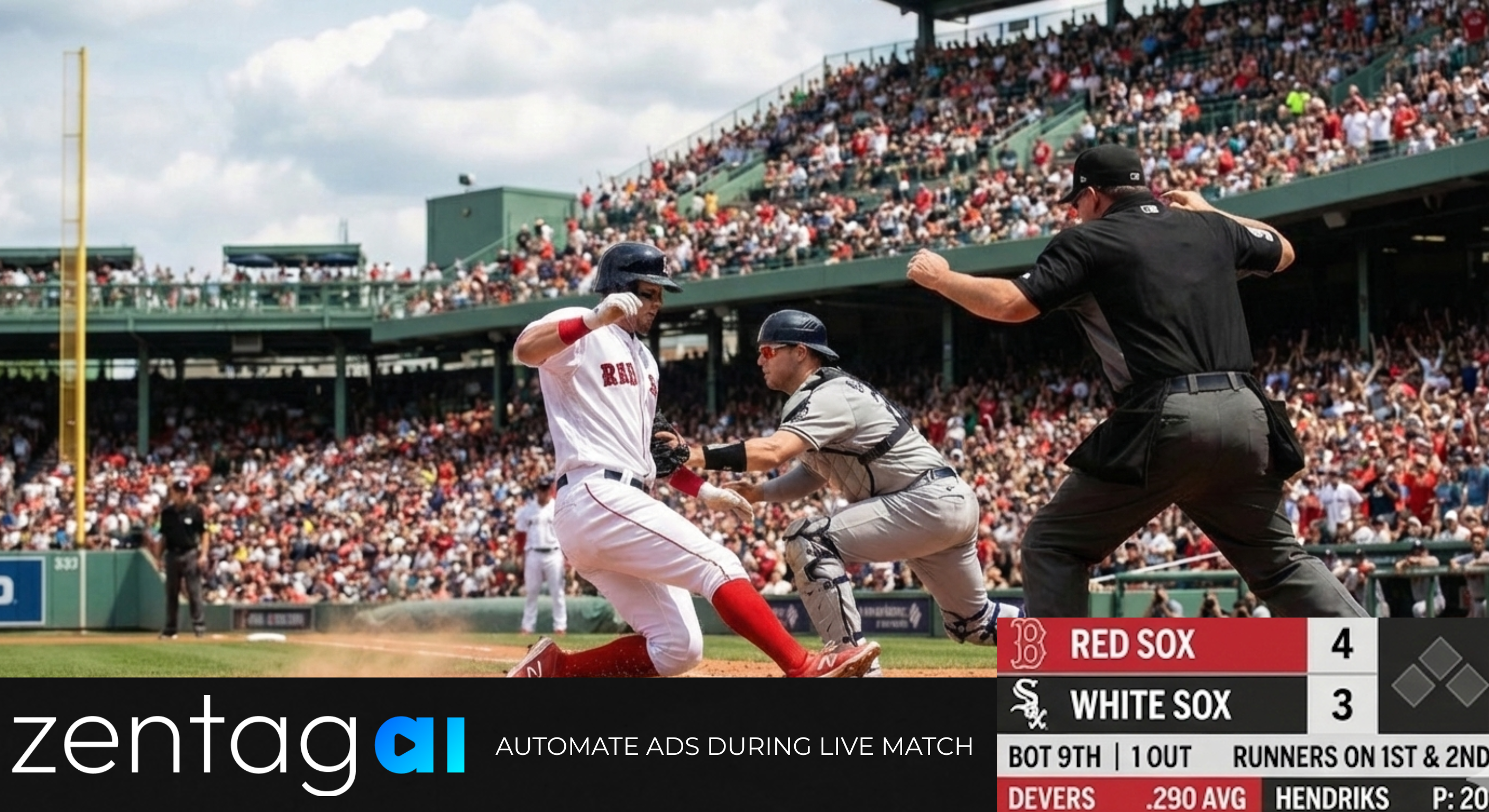

IBC remains the place where media technology has to survive a hard question from operators: does this fit a real broadcast or OTT workflow, or is it still a lab loop? IBC2026 runs 11-14 September 2026 at RAI Amsterdam. For sports desks, that week is usually about speed to publish, multi-platform packaging, and whether automation can keep up with a multi-fixture slate without inventing a second production team. Competitors will be loud on the floor. Visitors should know what to expect from Zentag AI at the booth: a clear ingest-to-publish pipeline, plus AI agents that surface engaging clips and help teams search and prepare footage inside the platform.
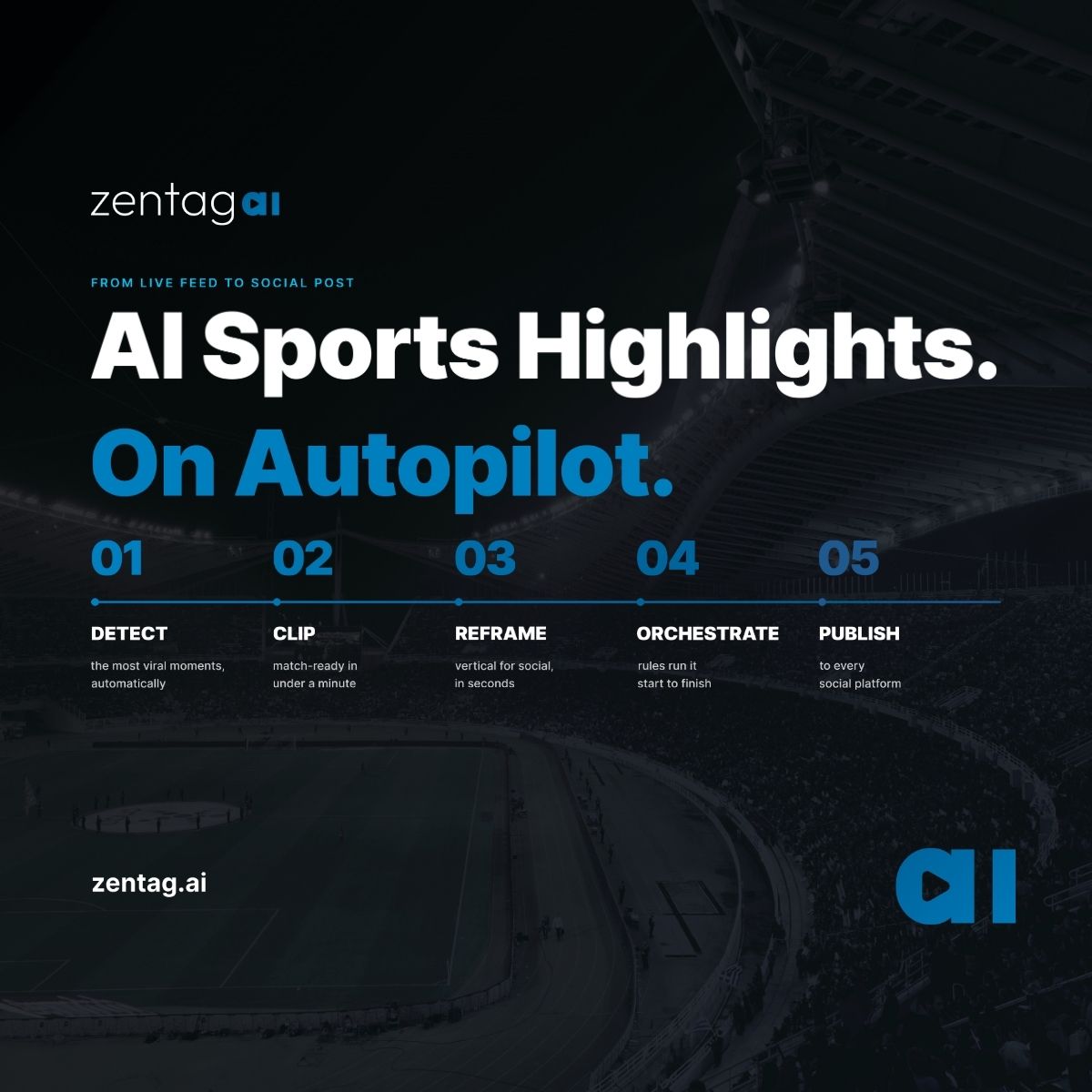
Zentag AI is built for that conversation. We will be in Hall 5, Booth 5.C18, inside the Content Everywhere feature. For the short meet-us overview (five steps, what is new on the floor, booth invite), see AI Sports Highlights. On Autopilot. Meet Zentag at IBC2026. This post is the product walkthrough for visitors who want a clear map of what to ask for: how a live feed or recorded file moves from ingest to detection to packaging to publish, how the live product lanes connect, and where the in-platform AI agents sit next to that spine. It is a preview of what we plan to show on the floor. It is not a post-show report, and it does not invent booth traffic or lead counts.
If you already know the stack you want to discuss, you can also book a demo before or during the week so we can prepare against your sports and destinations.
Why a pipeline walkthrough beats a feature list
Most sports content problems at broadcast and OTT scale are not "can AI find a goal." They are desk problems operators already feel on matchday:
Live and near-live feeds arrive faster than a manual edit bay can keep up, so social and digital wait while the conversation moves on.
The same goal or big play has to leave in more than one shape: a widescreen cut for the main screen or OTT player, a vertical or square cut for social, a short catch-up package of the match so far for fans who joined late, and a branded social post ready to ship.
Match footage piles up in the library after first publish. Without reliable tags and search, editors scrub the same timeline again instead of pulling last week's moment when they need it.
Press conferences, mixed zone, studio punditry, and podcasts carry the quotes that move the story, but spoken video is still clipped slower than on-pitch action.
Teams still burn time deciding which moments are worth cutting into shorts, and then searching across the library to prepare the right footage for the next publish.
Zentag AI treats those as one connected system rather than a pile of disconnected tools. For broadcasters and OTT teams, the useful booth conversation is how ingest, detection, packaging, library, distribution, and the in-platform AI agents sit together on your footage and in your stack (including via the Partner API when you want automation inside tools you already use).
The Zentag AI pipeline: ingest → detect → package → publish
At a high level, the walkthrough follows four stages. In plain terms:
1. Ingest (get the feed or file in). Your live stream or recorded match file enters the same automation path. Live patterns that matter in broadcast reality include RTMP/SRT and HLS style feeds, and file uploads for archives or delayed packages. The booth demo is not a toy clip. It is to show how a real feed or file becomes a workable input for detection and packaging. For a closer look at live feed to publish-ready social clip, see From RTMP Feed to Social Clip.
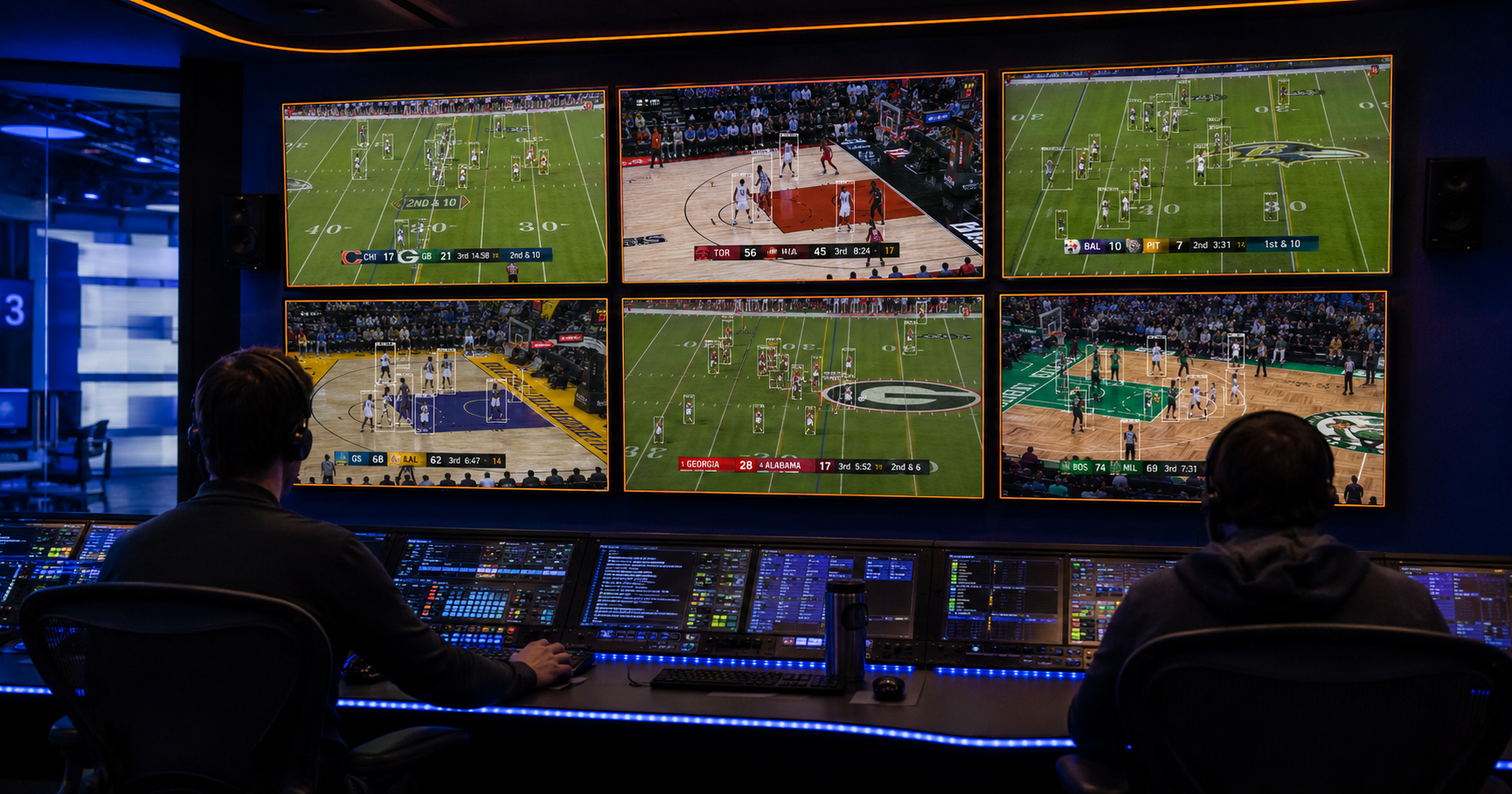
2. Detect (find the moments that matter). Models look for the moments that matter for the job in front of you. On-pitch detection focuses on play understanding: ball, player, actions, and game context for AI sports highlights (goals, big plays, momentum shifts). Spoken lanes focus on what was said, via transcript-driven clipping for interviews and pressers. Different jobs, same pipeline shape.
3. Package (turn moments into something you can ship). Detected moments become publish-shaped outputs: individual key-moment clips, timed highlight packages, short catch-up packages of the match as it progresses, vertical and square reframes for social, captions where needed, and brand treatments when the desk wants them. Packaging is where "automation" becomes something a digital or social team can actually publish.
4. Publish and library (get it out, and find it again later). Finished clips and packages move toward your distribution destinations (social, OTT extras, companion screens, or into your own systems). Assets also land in a searchable library so the next editor is not scrubbing the same timeline again. That is the sports archive media management layer: find by moment, player, or context, then reuse.
That is the spine of the booth story. The product lanes below are the modules you will see plugged into it. The AI agents section after that is what sits inside the platform to help teams choose, search, and prepare footage faster.
What to see at the booth: product lanes
This is the core on-pitch lane: automated sports clipping for broadcasters who need professional-grade highlight clips without waiting for an overnight edit. Scene-level analysis, audio and visual cues, and configurable parameters help teams tailor what "key" means for a sport or a show format. For live games, the goal is real-time or near-real-time highlight generation so social and digital can publish while the conversation is still live. Ask to see how a live or recent match feed becomes individual clips and packaged reels, and how review still fits when a desk wants a tighter cut.
Recaps are the catch-up layer fans expect between full matches and short clips. Smart Live Recap is the live sports recap AI lane: as the game progresses, it compiles the important moments into a short, structured catch-up package of the match so far, with a length that can fit the platform and the audience. At IBC2026, this is the conversation for OTT extras, companion apps, and digital destinations that need a coherent story of the match, not only isolated moments. Ask how recap length and distribution formats map to your screens.
Widescreen cuts still win the primary screen. Mobile and social still demand vertical and square. AI Reframe is the AI reframe sports lane: track players, ball, and action so aspect-ratio changes keep the play in frame instead of cutting off the decisive moment. Batch processing matters when a slate produces dozens of clips that all need platform-ready crops. At the booth, ask to see a widescreen master clip move into 9:16 (and other ratios you care about) without a separate editor sitting on every cut.
Highlights and recaps only compound if teams can find them again. Archive Media Management is the sports archive media management lane: auto tagging, intelligent search, and a library posture that supports reuse across editorial, digital, and commercial packaging. This is competence talk, not a claim to be a full enterprise DAM in the ScorePlay sense. The useful question at the booth is whether your team can retrieve a player moment, a prior fixture cut, or a related package without starting from a blank timeline.
On-pitch automation is only half of modern sports media. Press conferences, post-match interviews, studio punditry, and podcasts carry the quotes that move the story. Transcript clipping from Zentag AI turns spoken sports video into searchable speech and short publish-ready clips: search a word or phrase, generate the cut, review boundaries, and add or translate subtitles when distribution crosses markets. It sits in the same ingest → detect → library → enhance → distribute shape as highlights, with a different detection job. If your IBC agenda includes digital newsroom speed as well as match packaging, ask for this lane next to the on-pitch demo.
AI agents at the booth: clip recommender and in-platform assistant
IBC week is also when visitors should ask about the AI agents that sit inside the Zentag AI platform. These are part of the booth attraction for sports desks comparing automation on the floor. They do not replace the pipeline walkthrough above. They sit next to it, and they are the same capabilities teased in the live autopilot IBC post rather than a second product launch.
Clip recommender. An AI agent that recommends your most engaging clips. You do not always know which moment in a piece of footage is worth cutting into a short until you have watched the whole thing. This agent skips that step: it reviews your footage and surfaces its own recommendations for the clips most likely to perform, ranked before anyone has to go looking. You start from a shortlist of what is worth turning into a short, instead of a blank timeline.
In-platform assistant. Separate from the clip recommender, this is a general assistant for working inside Zentag AI itself. It is built to cut down the time your team spends searching for and preparing footage across the platform by just prompting.
We are keeping the full detail for Hall 5, Booth 5.C18. Ask for the clip recommender and the in-platform assistant after you have walked the pipeline so the conversation stays concrete on your sports, your library, and your destinations.
How to run the booth conversation (practical checklist)
If you have a short slot in Hall 5, Booth 5.C18, a useful walkthrough order is:
Start with your primary pain: live highlight latency, catch-up supply, vertical packaging, archive findability, spoken clipping, or time spent choosing and preparing footage.
Ask for that lane inside the full pipeline, not as an isolated feature.
Ask to see the clip recommender and the in-platform assistant next to the library and packaging steps.
Bring one destination list (linear companion, OTT, social, newsroom) so packaging talk stays concrete.
Ask what stays human: review, brand rules, editorial overrides.
If the fit looks real, book a demo on your footage after the floor conversation.
That is the competence-first posture. No invented "busiest booth" claims. No fake lead counts. Just a clear map of what Zentag AI is built to show at IBC2026 sports tech week.
Meet Zentag AI at IBC2026
Show: IBC2026, 11-14 September 2026, RAI Amsterdam
Stand: Hall 5, Booth 5.C18 (Content Everywhere)
Focus: AI sports highlights, live sports recap AI, AI reframe sports, sports archive media management, and automated sports clipping for broadcasters, plus related transcript clipping for spoken sports video, plus in-platform AI agents (clip recommender and general assistant for searching and preparing footage)
Site: zentag.ai
If you want the same pipeline walkthrough on your rights and your stack, book a demo. We will come prepared for the sports and destinations you care about.