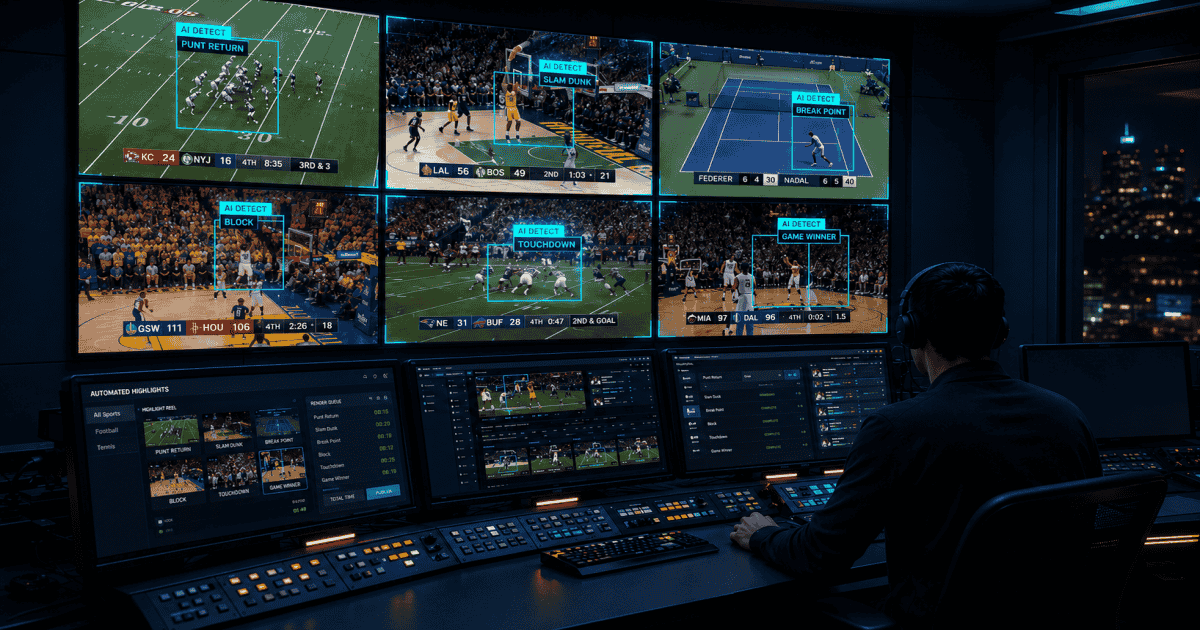

An AI sports highlights evaluation moves at the speed of its ingest. Before any model gets tested, the live feed has to enter the system on the contribution path you already run: RTMP, HLS, or SRT, push or pull, live or file. That decision sets your evaluation timeline more than the detection layer does.
This is a live ingest checklist for AI sports highlights. It maps RTMP, HLS, and SRT to the way Zentag AI handles live sports video ingest, and sets out what to confirm before you point a feed at anything. For the 60-second social-clip path once the feed is in, see From RTMP Feed to Social Clip. For the same automation running inside a MAM or CMS you already operate, see Zentag Inside Your Stack: The Partner API for Sports Video.
Why live sports video ingest decides whether AI clipping works
Automated sports clipping for broadcasters depends on the feed arriving while the conversation around the match is still live. A goal that reaches social ten minutes after it happens has lost most of its reach. A multi-fixture Saturday with several concurrent games needs a pipeline that scales past one operator per feed.
Zentag AI is built around that live path. The platform ingests live streams for instant highlight generation during a broadcast, and processes uploaded video files through the same detection layer. Outputs are highlight reels of set durations, for example 3, 7, or 10 minutes, or individual key-moment clips in platform-ready formats.
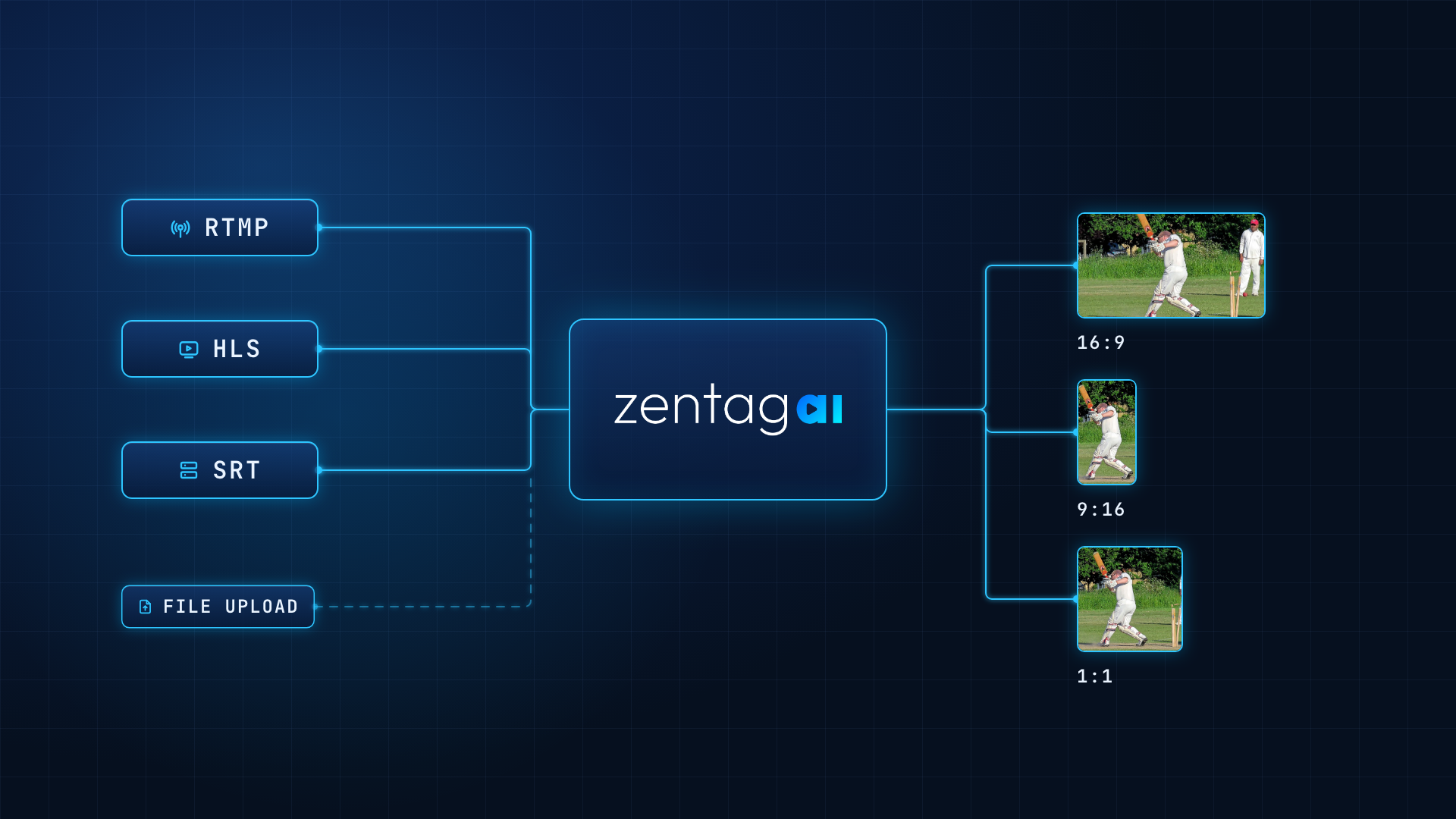
RTMP, HLS, and SRT: what each one means on matchday
Choose the protocol your contribution path already produces, then confirm the AI layer accepts it without a second integration.
Protocol | Direction | Typical source | Use it when |
|---|---|---|---|
RTMP | Push | Contribution or camera encoder | Your encoder already sends to an ingest URL |
HLS | Pull | OTT playback or contribution URL | You have a URL and will not add a new encoder |
SRT | Push | Remote venue over public internet | Packet loss would otherwise break the clip window |
File upload | Upload | Camera card, delayed package, archive | The match is not live |
RTMP (Real-Time Messaging Protocol). The most common "point the encoder at an ingest URL" pattern, and the path most regional and mid-tier operations already run. Zentag AI treats RTMP as a first-class live input. Point the encoder at the endpoint provided and the platform handles protocol detection, resolution adaptation, frame-rate normalization, and transcoding in the background.
HLS (HTTP Live Streaming). The default language of OTT distribution: playlists and segments, usually already published on a URL your stack serves. HLS works as a pull, where Zentag AI fetches the feed from a source URL you provide. This is the path for RFPs that rule out standing up a new contribution encoder and expect the platform to take the HLS already in place.
SRT (Secure Reliable Transport). The protocol that comes up around remote venues, contribution over the public internet, and error correction on unreliable networks. Zentag AI supports SRT as a live ingest option on the same AI pipeline as RTMP and HLS, and as a push input on the Partner API.
File upload sits alongside all three. Delayed packages, camera-card recordings, and archive matches enter the same detection path. The input format changes; the output job stays consistent.
The live ingest checklist
Name the protocol you already produce. RTMP from an encoder, HLS from an OTT or contribution URL, SRT from a remote venue, or a file from the edit suite. Start with what already leaves your truck or playout.
Confirm push or pull. Push covers RTMP and SRT: you send the feed. Pull covers HLS and standard streaming URLs: Zentag AI fetches from the URL you hand over.
Separate live from file, then keep both on one pipeline. Live drives in-game social clips and catch-up. File covers delayed shows and archive. Both run through the same AI path.
Define what finished looks like. Individual key-moment clips, timed highlight reels of 3, 7, or 10 minutes, or both. A rolling catch-up of the match so far runs as Smart Live Recap on the same feed.
Confirm destinations before you discuss models. Social including vertical and square, OTT extras, newsroom CMS, or your own storage. AI Reframe handles the subject-tracked crop to 9:16 and 1:1. The Partner API delivers finished clips and JSON metadata into a MAM or bucket you already use.
Decide what stays human. Dashboard review with one-click approve, or auto-publish above a confidence threshold. Speed holds only if the review step stays faster than the clip window.
Treat concurrent feeds as an operations question. A Saturday slate runs several streams at once. Ask how many simultaneous feeds the platform processes at full quality, and how it scales.
Ask the 4K question. More leagues produce in 4K. Ask how 4K processing time compares with 1080p on your own feed.
Keep coverage sport-agnostic. Zentag AI is trained across 50+ sports including football, cricket, basketball, and tennis. Detection uses computer vision, audio, and game context, which lets one model cover a full multi-sport slate.
Plan the handoff. Clips should leave as video plus metadata (competition, players, sport, event type) through the dashboard or the API, so distribution starts the moment detection finishes.
From ingest to AI Sports Video Highlights
Once the feed is in, AI Sports Video Highlights runs scene-level analysis on audio and visual cues, with customizable parameters and real-time processing for live games. The clip path runs in five steps: moment detection, intelligent in and out points, branding and overlays, multi-format export, then delivery by dashboard or API.
Live clips serve social-first speed. Post-match packages serve the fan who missed the game. Smart Live Recap covers the catch-up layer while the match is still running. After first publish, Archive Media Management keeps those assets searchable through auto tagging and intelligent search, so the same footage gets reused across the season.
The full path for broadcasters and OTT platforms sits on one solutions page, from live ingest through to archive.
Run the checklist on your own feed
Bitrate ladders, encoder selection, and packet-loss behaviour belong in a scoped session on your actual contribution path rather than a spec sheet. The Partner API is built so detection and clipping run in the background and finished clips appear where operators already work, which keeps your MAM and CMS in place.
Book a demo and bring three things: the protocol you already produce, the destinations you have to hit, and whether review stays in the loop.